
CNC router resource
9 Essential Monthly Maintenance Checks for Your CNC Router

If you’re new to CNC or just invested in your first Mantech CNC Router, it’s important to understand that regular maintenance is just as crucial as mastering your software or tooling.
Preventative care doesn’t have to be complicated. Here’s a clear breakdown of what to check, why it matters, and how to do it, all based on genuine components in your Mantech CNC Router setup.
Monthly checks keep spindle hours reliable, but vacuum performance and toolpaths still catch busy workshops out. Our vacuum pump filter guide covers bed hold-down, the troubleshooting tool walks common fault codes, and case studies show how UK shops run routers in daily production.
Nine checks to run every month
1. Cutters and Collets – Your Cutting Interface
What they are
Cutters (also called tools or bits) are the parts that actually cut your material, while collets are the small, slotted sleeves that hold those cutters tightly in the spindle.
Why it matters
If your cutter is blunt or damaged, it will tear through material rather than cutting cleanly. Worn or dirty collets can cause vibration, inaccuracy, or even tool breakage.
Remove the tool and inspect for chips, cracks or signs of dullness. Use a soft brush or compressed air to clean the collet, and check for wear or stretching. Replace collets after around 400–600 tool changes or sooner if performance drops.

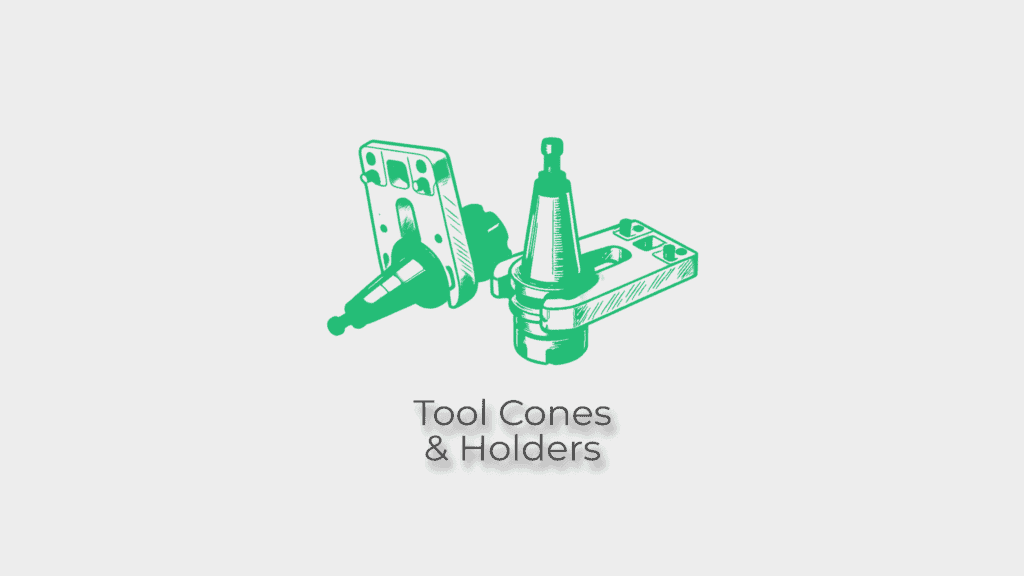
2. Tool Cones and Tool Holders – For ATC Models Only
What they are
On CNC Routers with Automatic Tool Changers (ATC), these components hold and exchange tools automatically during jobs. The tool cone ensures the tool sits perfectly in the spindle.
Why it matters
Dirty or scratched cones can cause tools to misalign slightly, which can ruin a job and damage the spindle over time.
Wipe down the cone and holder using a clean, lint-free cloth. Check for visible marks, rust, or material build-up. Clean gently and regularly.
3. Sacrificial Board – Your Cutting Surface
What it is
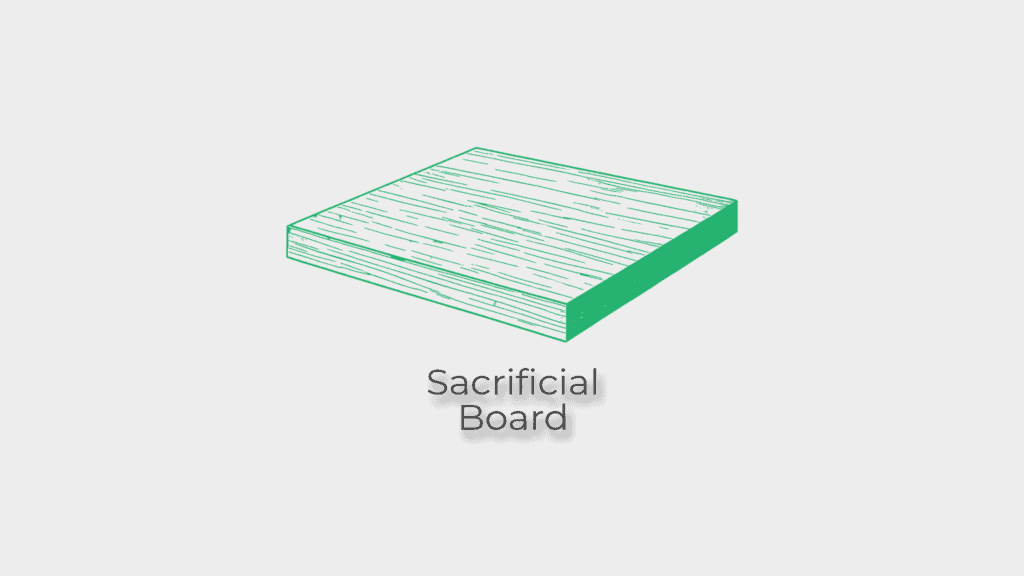
This is the replaceable board mounted on your CNC bed that supports material during cutting. It protects the machine bed and allows full-depth cuts.
Why it matters
A worn or warped sacrificial board can cause poor vacuum hold, inconsistent cut depth, or surface marks on your work.
Look for deep grooves, warping or uneven surfaces. If it’s still flat, you may be able to resurface it with a skim cut. Otherwise, replace it.
4. Dust Hood and Bristles – Part of Your Extraction System
What it is
The dust hood sits around the spindle and contains bristles that help trap dust and direct it into your extractor.
Why it matters
Damaged bristles let dust escape into your workspace and can reduce extractor efficiency, risking air quality and fire hazards.
Ensure bristles are straight, evenly worn and firmly attached. Look for cracks or wear on the hood itself and replace if necessary.

5. Vacuum Pump, Hose Connections & Filters – Holding Your Workpiece Secure
What it is
Your vacuum pump generates suction to keep materials flat and still on the bed using vacuum pods or zones.
Why it matters
Any leaks, clogs or drop in suction can cause your material to move mid-cut, ruining jobs or damaging tools.
Listen for abnormal sounds from the pump. Inspect all hose connections for tightness and inspect filters for dust build-up. Clean or replace filters as needed.

6. Dust Collector – Managing Chips and Dust
What it is
The dust collector works with the hood to remove airborne particles and chips from cutting. It usually includes a motor, filter, and collection bags.
Why it matters
A full bag or clogged hose can choke airflow, creating health risks and overloading the system.
Empty bags before they’re more than 75% full. Disconnect hoses and check for blockages or wear. Replace filters when clogged.

7. Compressed Air System – For Machines with Pneumatic Features
What it is
Some Mantech Routers use compressed air to power ATC systems, dust-clearing jets, or pneumatic clamps.
Why it matters
Leaking or poorly maintained air lines can cause ATC errors, tool dropouts, or inefficient operation.
Look for loose fittings or signs of moisture in the lines. Drain the compressor regularly and check for pressure drops or unusual noise.

8. General Clean and Wipe Down – Especially the Linear Rails
What it is
Linear rails guide your gantry and tooling across X, Y, and Z axes with smooth motion.
Why it matters
Dust and chips can collect on these rails, causing drag or skipping. Over time, this can lead to vibration or positional errors.
Use a soft cloth to remove dust and debris. Avoid harsh solvents. Clean thoroughly, especially after heavy cutting sessions.

9. Oil Tank and Automatic Lubrication System
What it is
Mantech CNC Routers come with an automatic oiling system that lubricates key moving parts.
Why it matters
Without oil, friction builds up, causing wear, overheating or even machine seizure.
Top up your oil tank with the correct grade of lubricant weekly. Also inspect oil lines for leaks and make sure the system is cycling properly.

Free Download: CNC Router Maintenance Checklist
Download the print-ready PDF checklist that accompanies this guide — the same nine monthly checks Mantech UK engineers recommend for Spartan, Falcon and Apollo CNC routers.
PDF checklist · print and use in your workshop
Consistent care = consistent results.
Mantech CNC Routers are engineered with the operator in mind—easy to clean, service and run.
Following this monthly routine keeps your machine working just as hard as you do, ensuring clean cuts, accurate depths, and fewer surprises. Whether you’re crafting one-off pieces or scaling up production, maintaining your router is the easiest way to protect your productivity and machine value.